Theme and Appearance
Learn how to change theme and appearance in AssetLoom
AssetLoom allows you to customize the in-app color theme and display mode that match your preferences in the Appearance setting.
You can find this setting by clicking on your Personal avatar → Appearance. 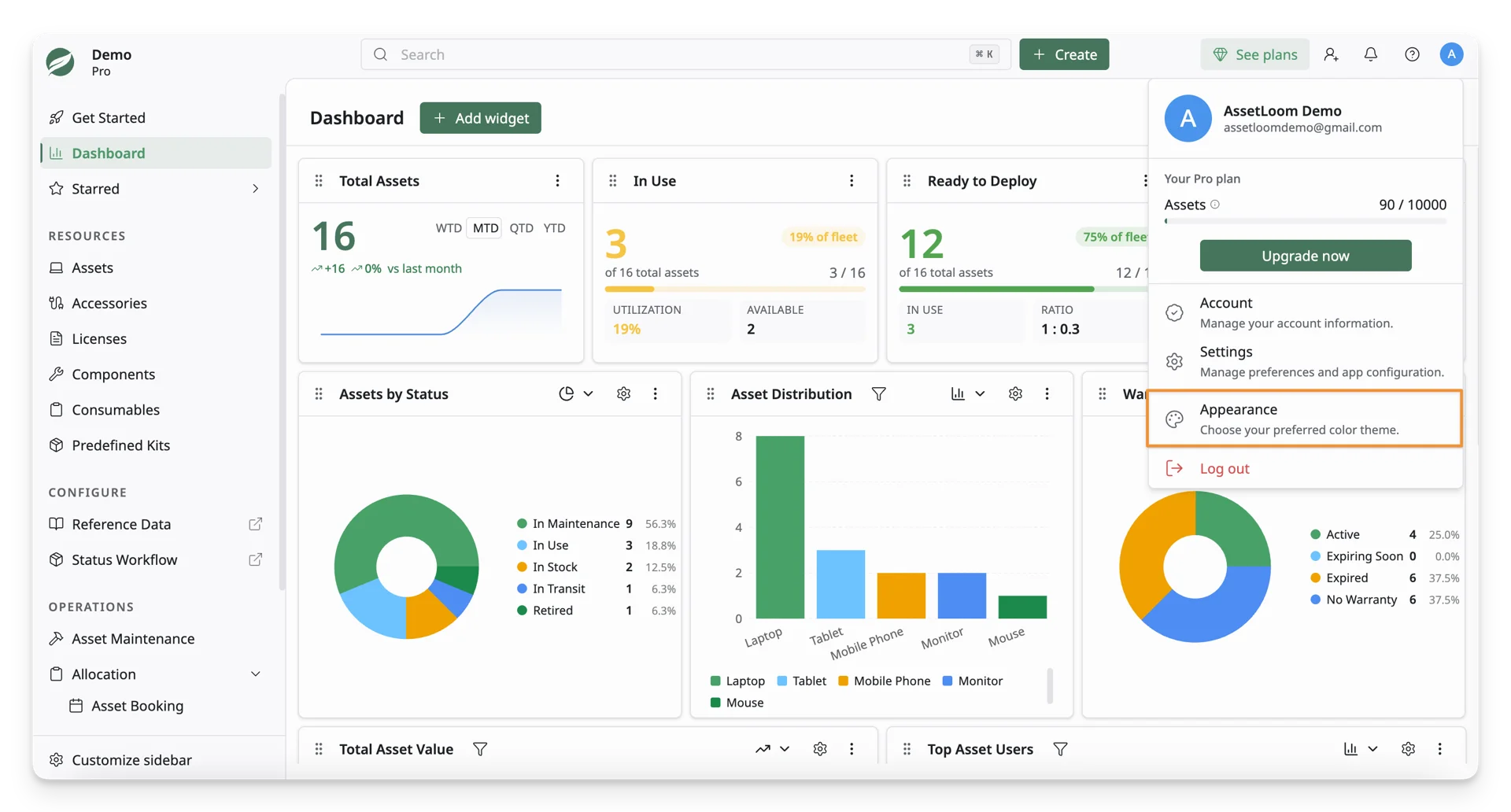
You can now choose a color theme and display mode to match your workspace:
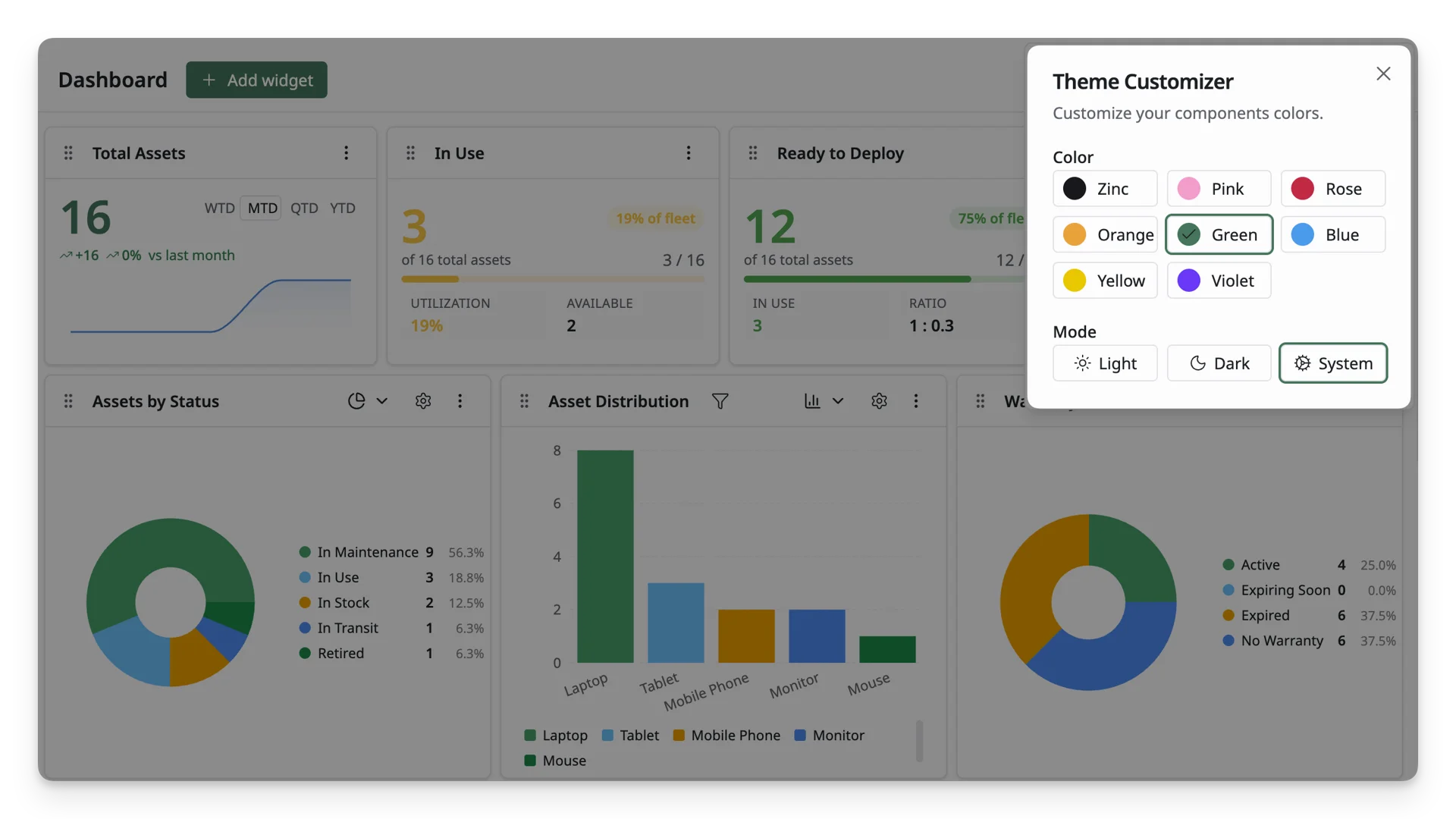
Color
| Display Name | Color Code |
|---|---|
| Grey | #18171D |
| Pink | #FA95CC |
| Red | #CB0044 |
| Orange | #F09F16 |
| Green | #3C7659 |
| Blue | #399AF1 |
| Yellow | #EBC800 |
| Violet | #6F19FF |
Mode
- Light: Displays AssetLoom with a light background. This mode is best for bright environments.
- Dark: Displays AssetLoom with a dark background. This mode can be more comfortable in low-light environments.
- System: Automatically follows your device or browser appearance settings.