Sidebar Navigation
Learn how to make use of the sidebar navigation in AssetLoom
The Sidebar Navigation (also called the Main Navigation) is your primary way to move around AssetLoom. It provides quick access to all core features and can be customized to match your workflow.
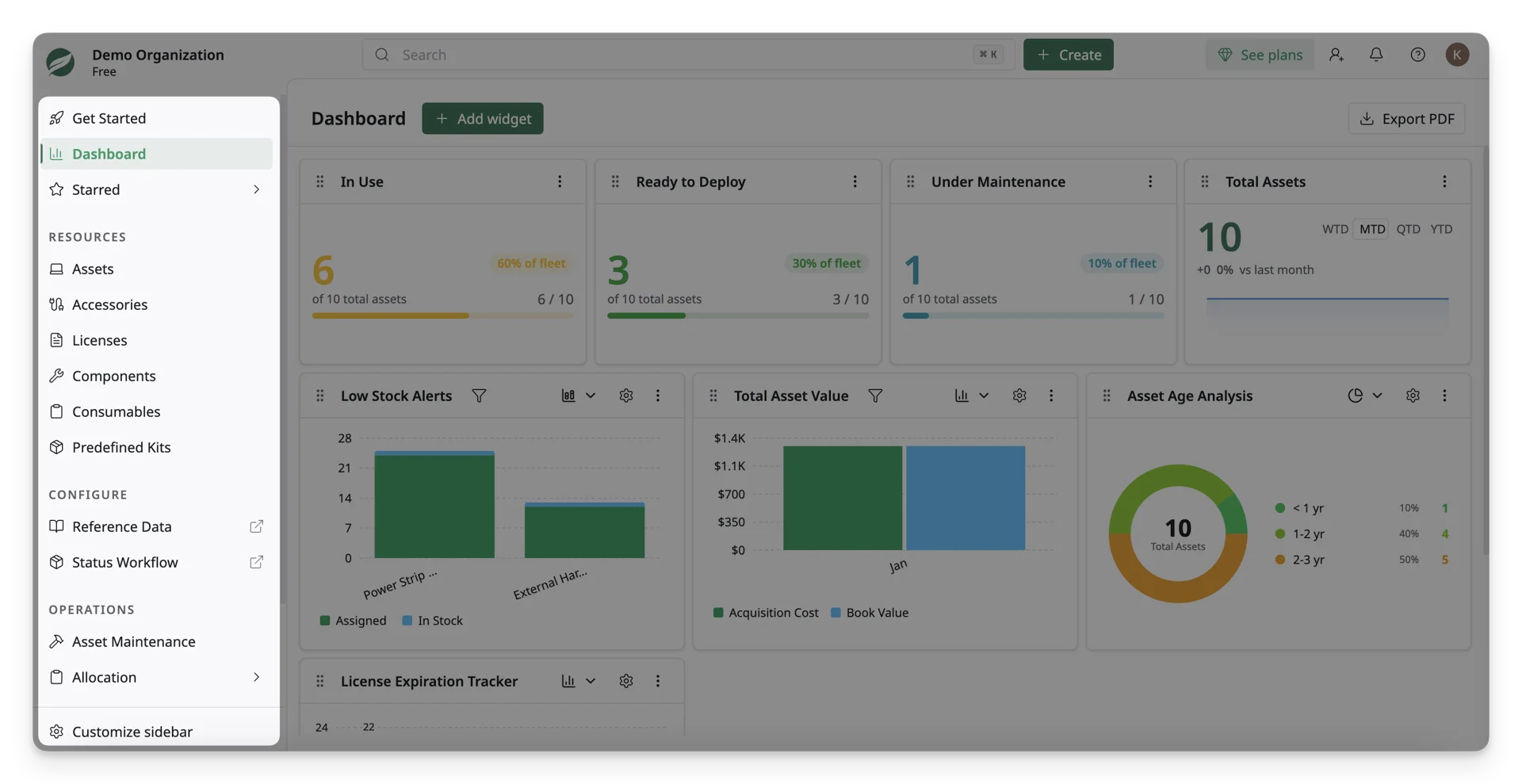
Sidebar Structure
The sidebar is organized into logical sections with main features. Each main section in the sidebar can be expanded or collapsed to show or hide its sub-items.
- Dashboard: Dashboard turns data into actionable insights via charts and graphs. It uses visual widgets to highlight trends, such as asset health, usage status, and lifecycle indicators.
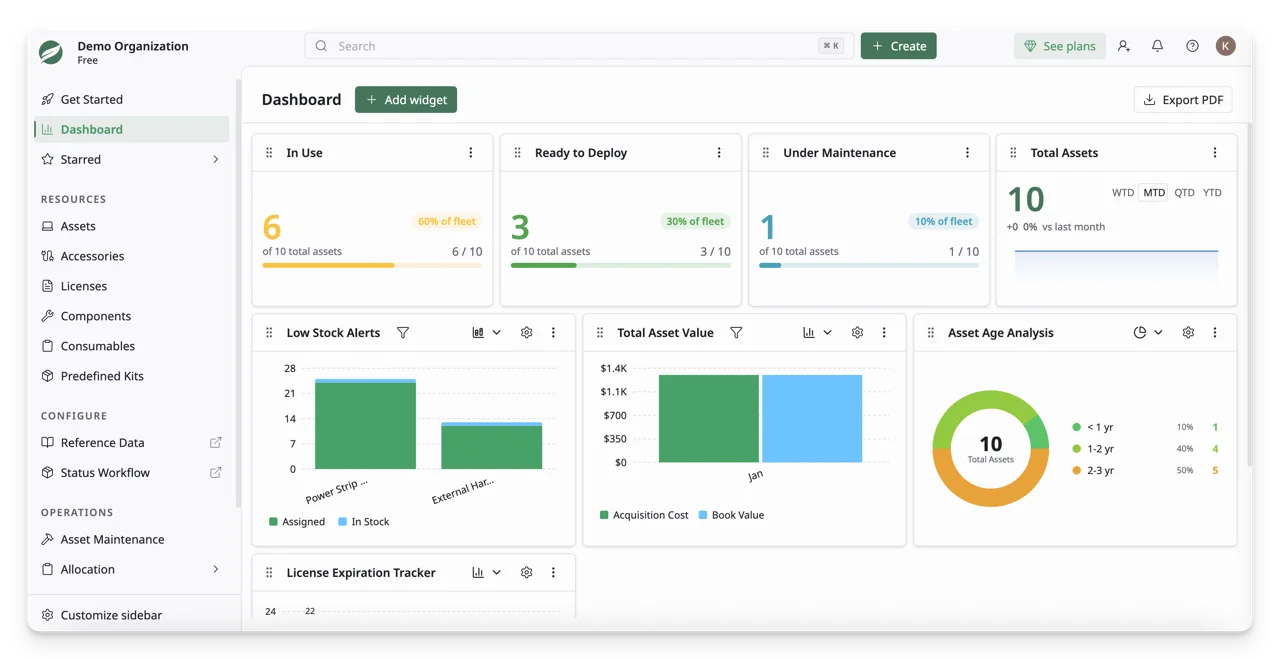
- Starred: Return quickly to your starred pages.
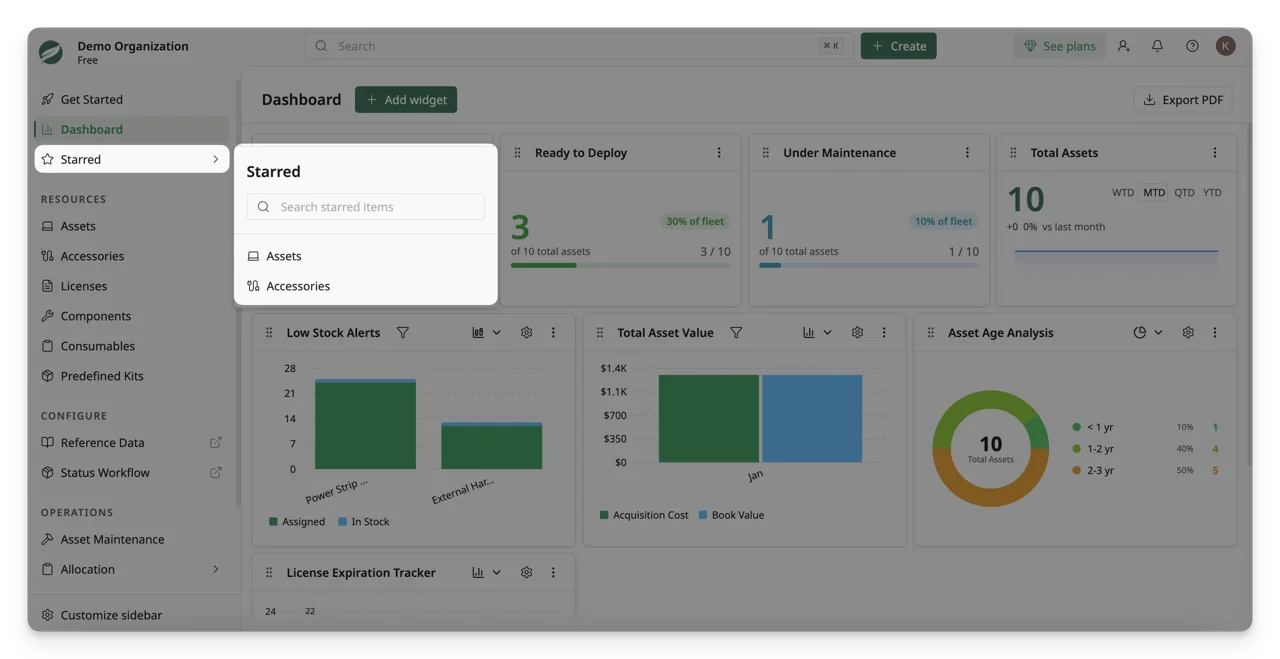
- Resources: Manage assets, accessories, licenses, components, and consumables.
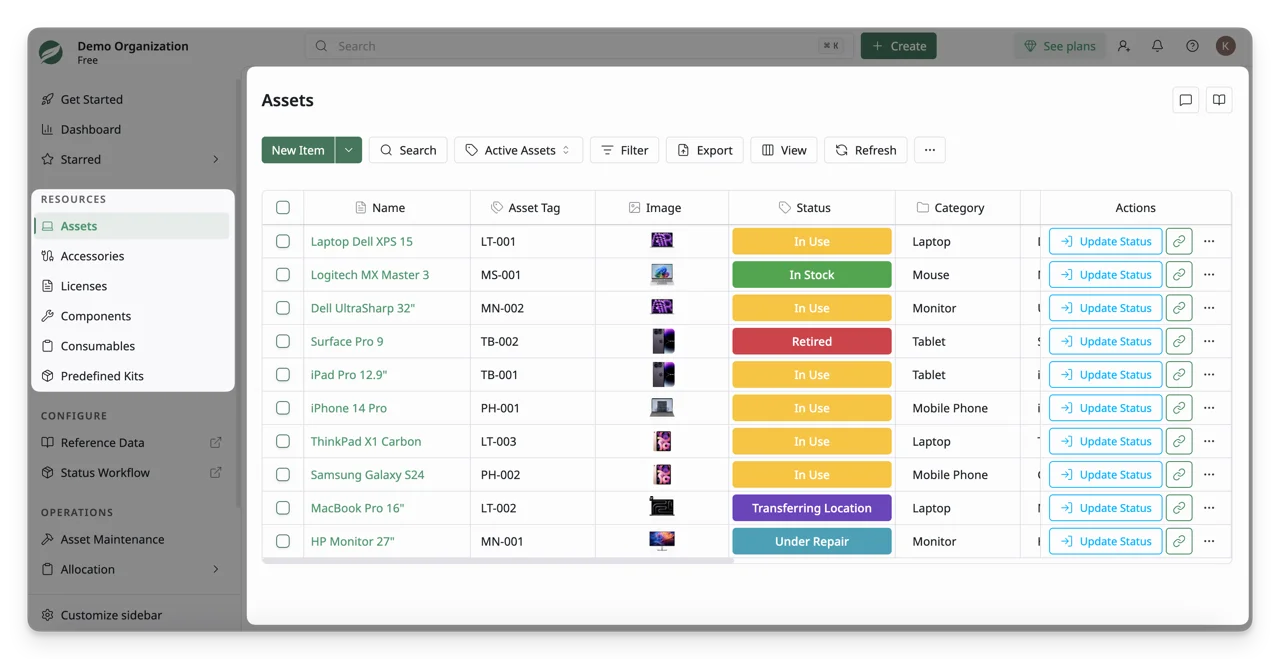
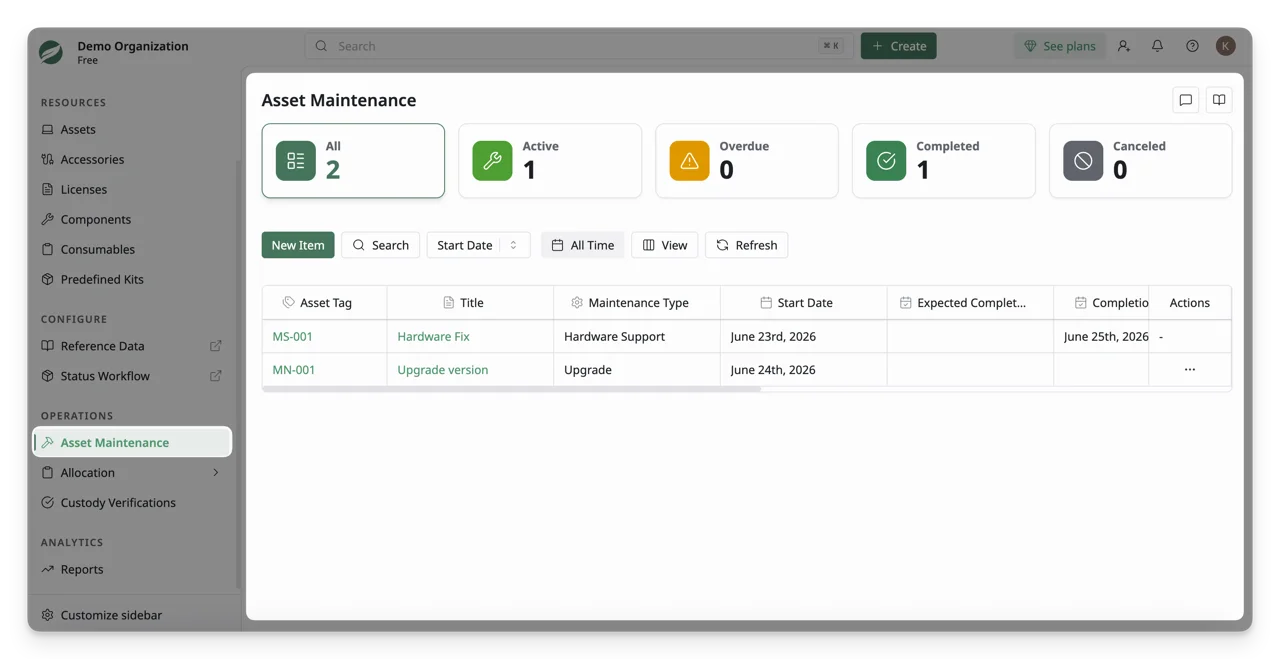
- Asset Maintenance: Track asset maintenance activities and history
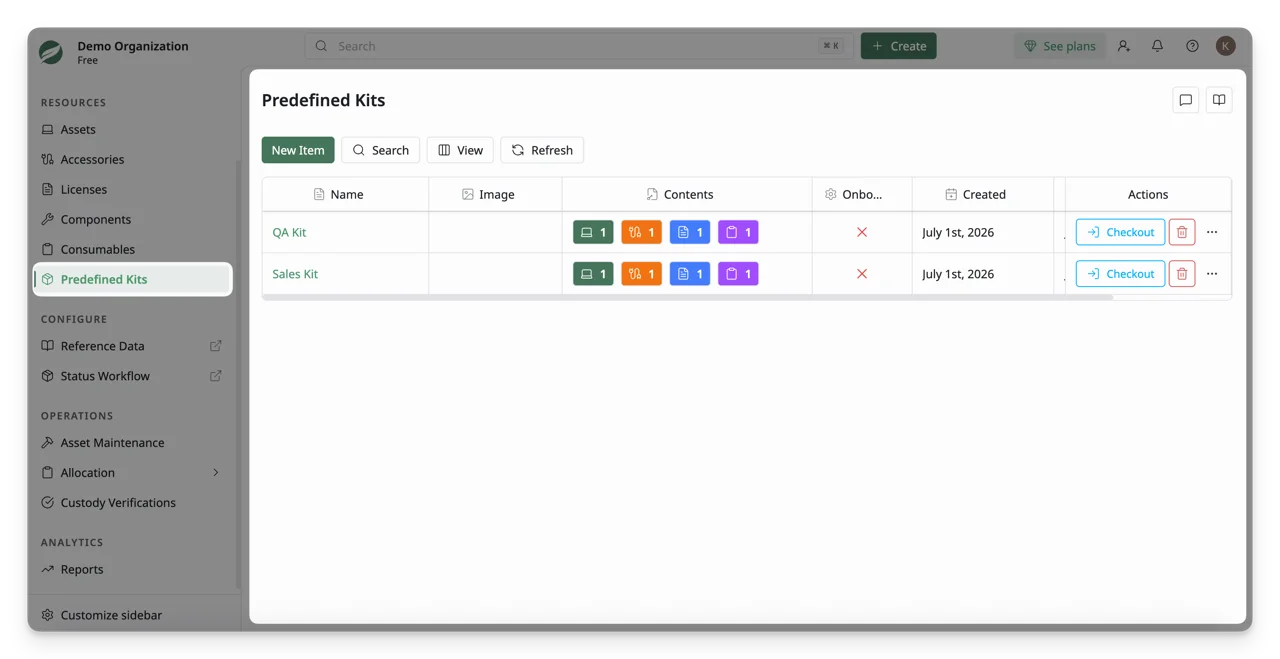
- Predefined Kits: Create and manage reusable asset bundles.
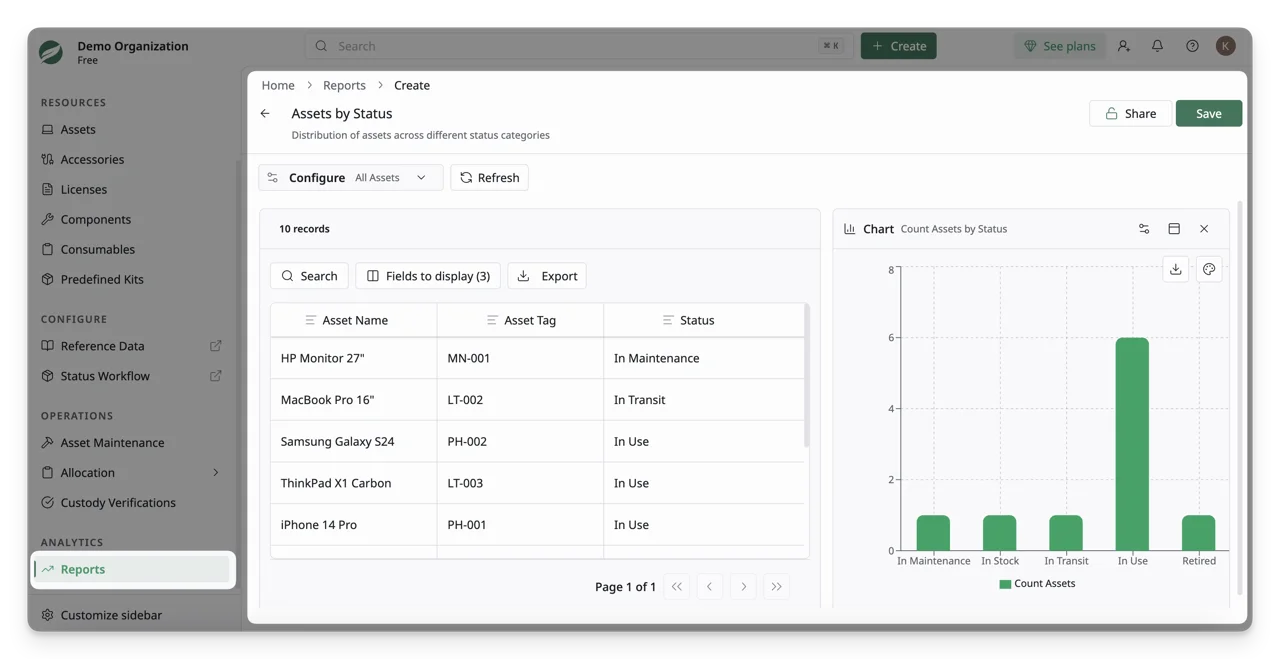
- Reports: Generate insights and analytics from the resources.
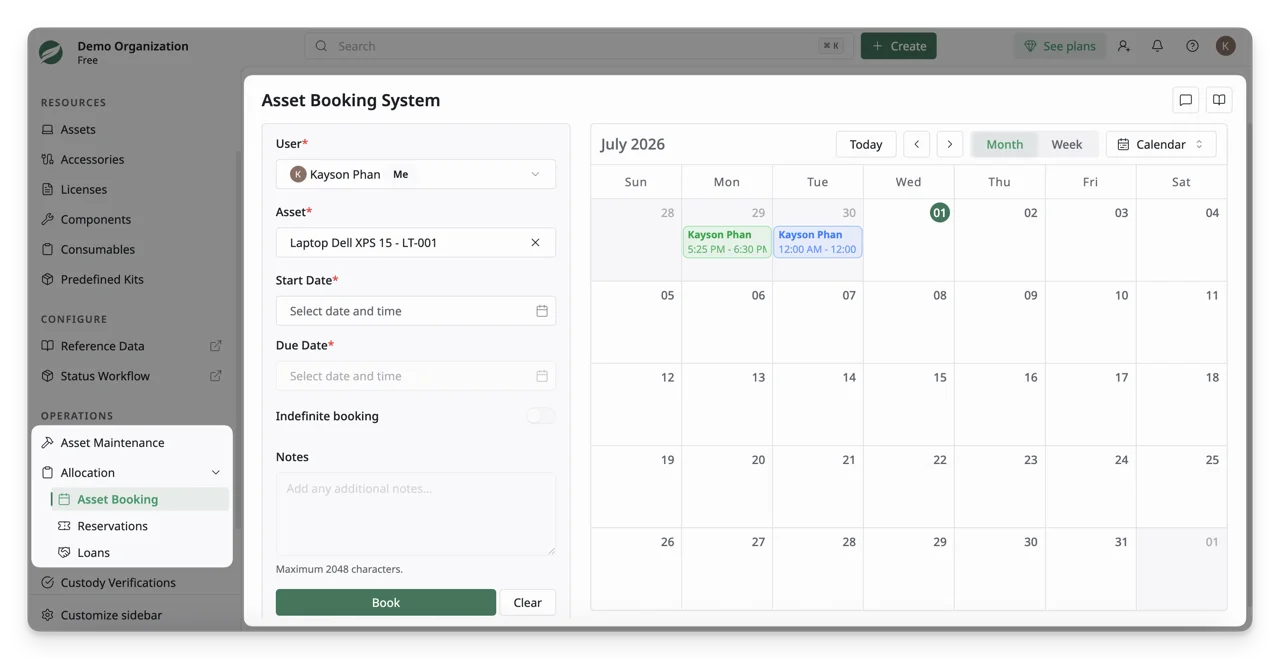
- Allocation: Handle asset bookings, reservations, and loans.
- Custody Verifications: Verify asset custody and accountability
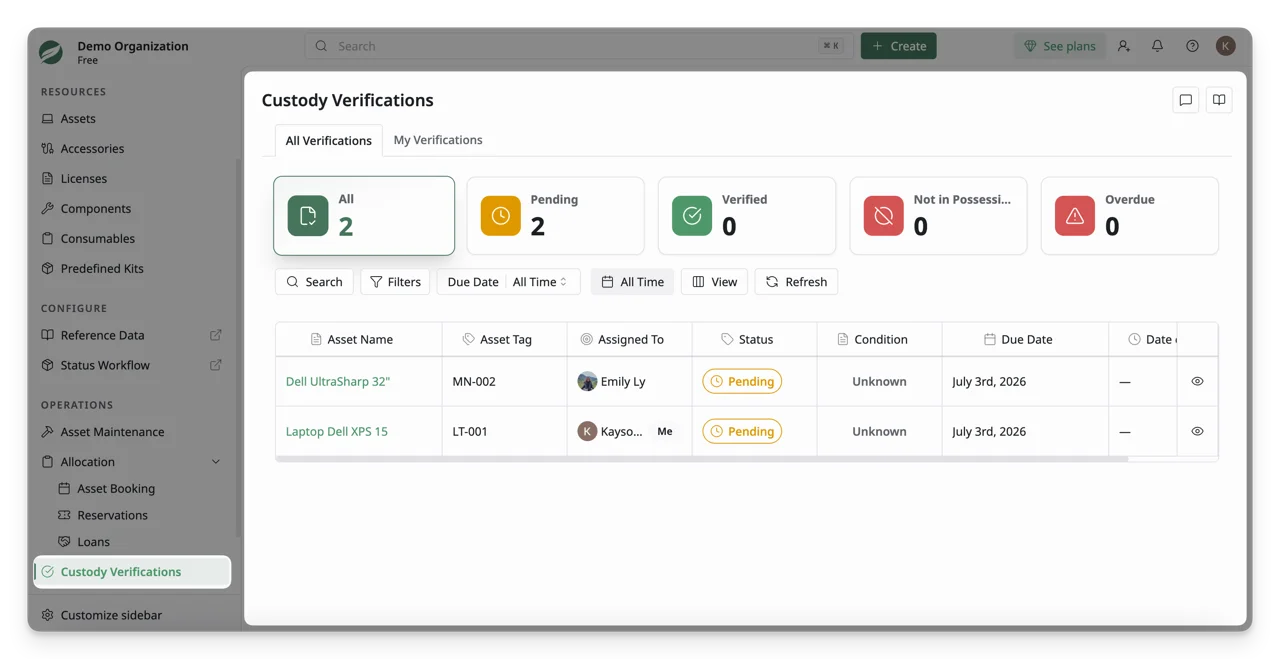
Collapse the Sidebar
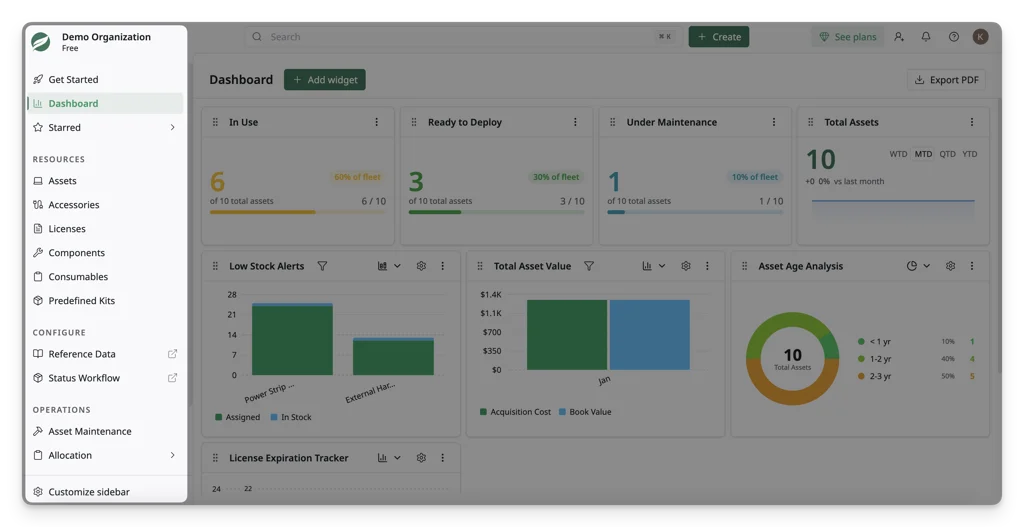
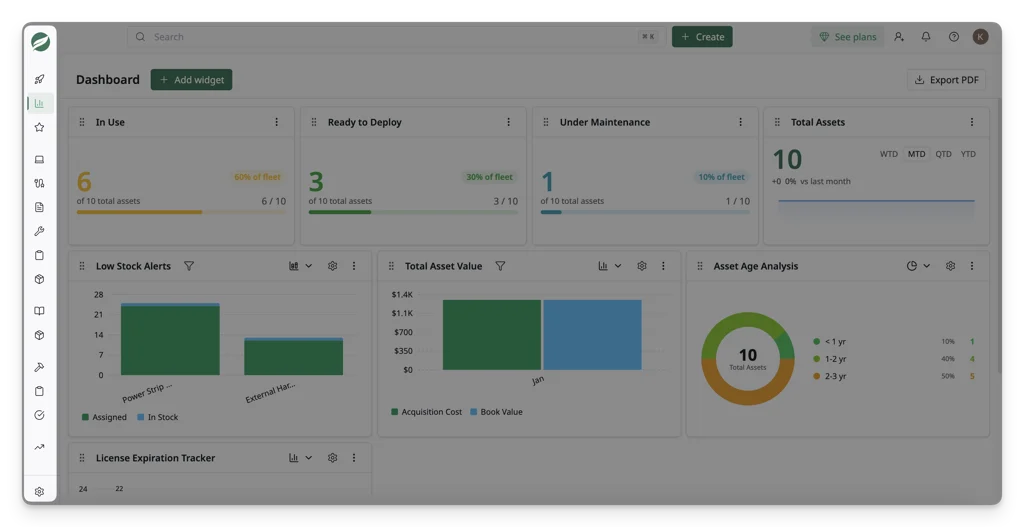
You can also collapse the entire sidebar using the toggle button:
- Expanded view: Shows icons and labels for easier discovery
- Collapsed view: Shows icons only, saving screen space while keeping navigation accessible
Customize the Sidebar
AssetLoom allows you to personalize the sidebar to fit your needs. From Customize sidebar, you can:
- Drag-and-drop to reorder navigation items
- Select/deselect to show/hide specific sections
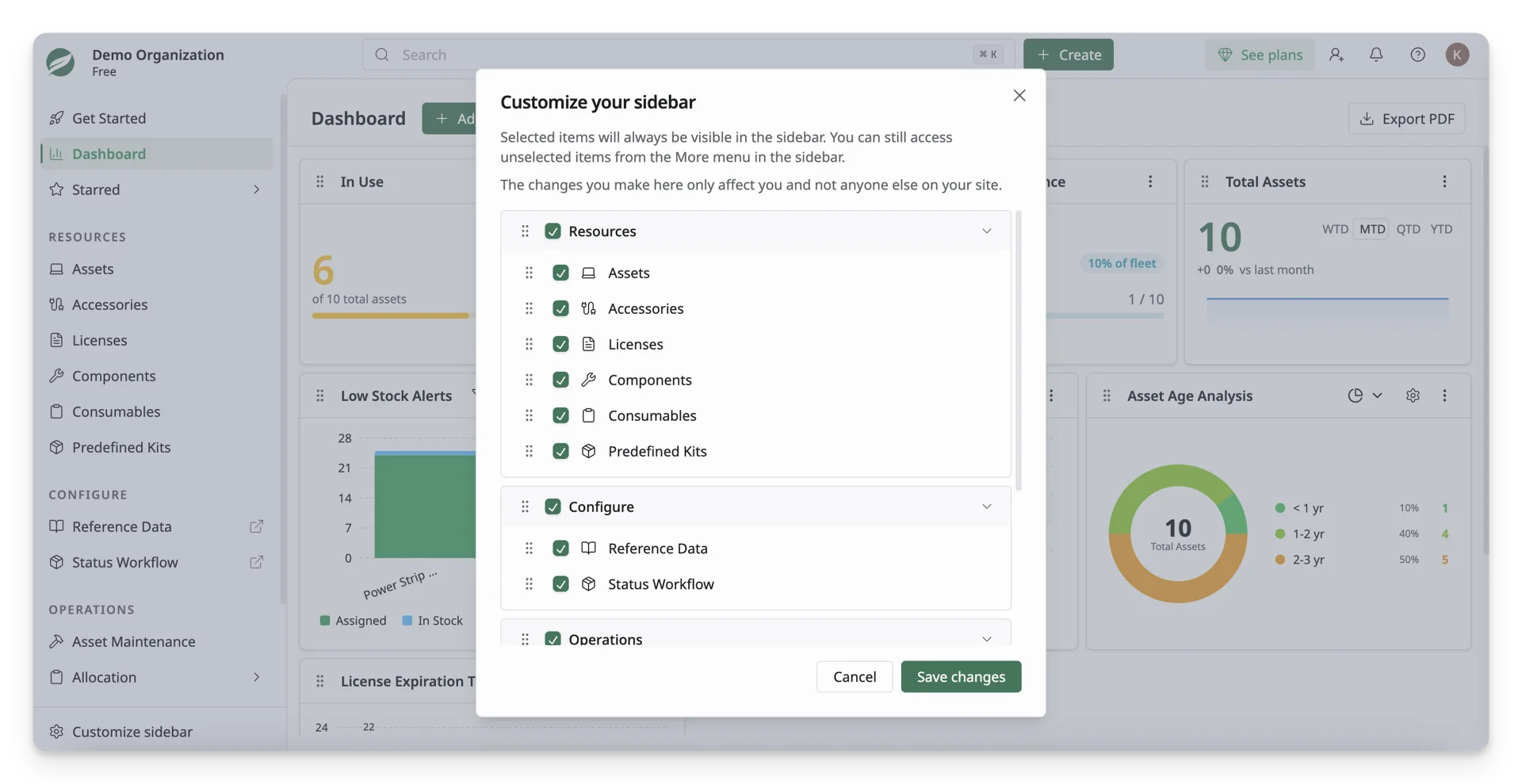
Sidebar customization is personal; your changes only affect your own view and do not impact other users on the site.
What’s Next?
- Quick Start for Site Owners : Get started with site setup, inviting members, and managing roles.
- Quick Start for Team Members : Learn how to view and manage your assets, request equipment, and check asset details.