Release Verification
Learn how to verify your AssetLoom Network Scanner release, including version details, build information, configuration checks, and expected scan behavior.
Release verification helps you confirm which AssetLoom Network Scanner build you are using and whether the downloaded scanner file matches the official release artifact.
You may need to verify a release when:
- Your organization requires software verification before installation.
- You download a new version of the scanner.
- You need to confirm which scanner version is currently being used.
- Your security or compliance team requests information about included software components.
1. Check the Scanner Version
Use --version to confirm which scanner build is currently on your computer.
- macOS/Linux:
./assetloom-scanner --version - Windows:
.\assetloom-scanner.exe --version
The result includes information such as: version, commit, build date, and platform
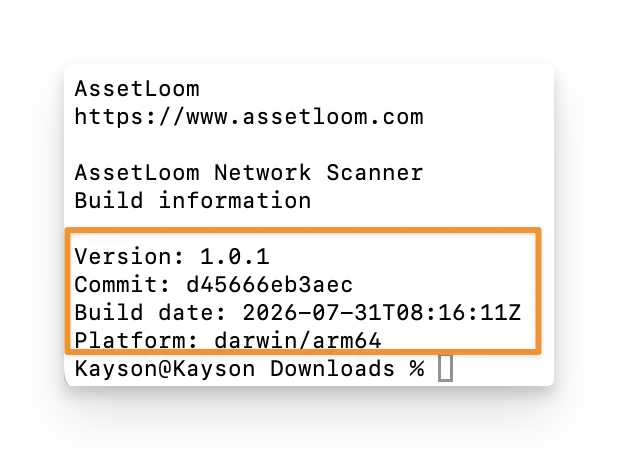
These fields help you identify the exact scanner version, when it was built, and which operating system and architecture it was built for.
2. Verify the SHA256 Checksum
SHA256 is a file checksum and acts as a unique fingerprint for the scanner file. When you download the scanner, you can calculate its SHA256 value and compare it with the official value provided by AssetLoom. If the values match, it indicates the file is the expected release and has not been changed or corrupted.
You can navigate to this page to download the AssetLoom SHA256 checksum:
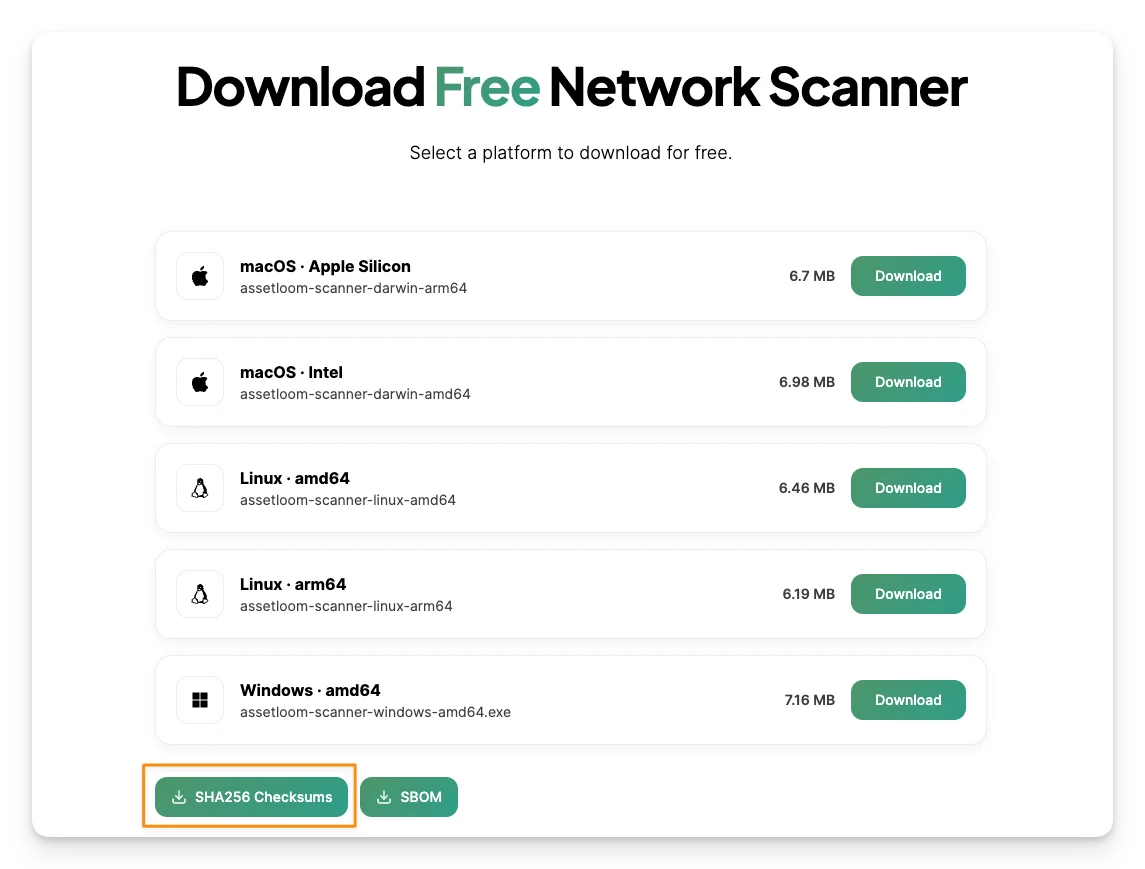
Run this command to verify the SHA256 checksum of your current file:
- macOS/Linux:
shasum -a 256 -c checksums.txt - Windows:
Get-FileHash .\assetloom-scanner.exe -Algorithm SHA256
3. Review the SBOM
Some release packages may also include an SBOM (Software Bill of Materials), usually named sbom.spdx.json
The SBOM provides a list of the software components and dependencies included in the scanner build. It can be useful when your IT or security team needs to review the software before approving it for use.
You can navigate to this page to download the AssetLoom SBOM to review:
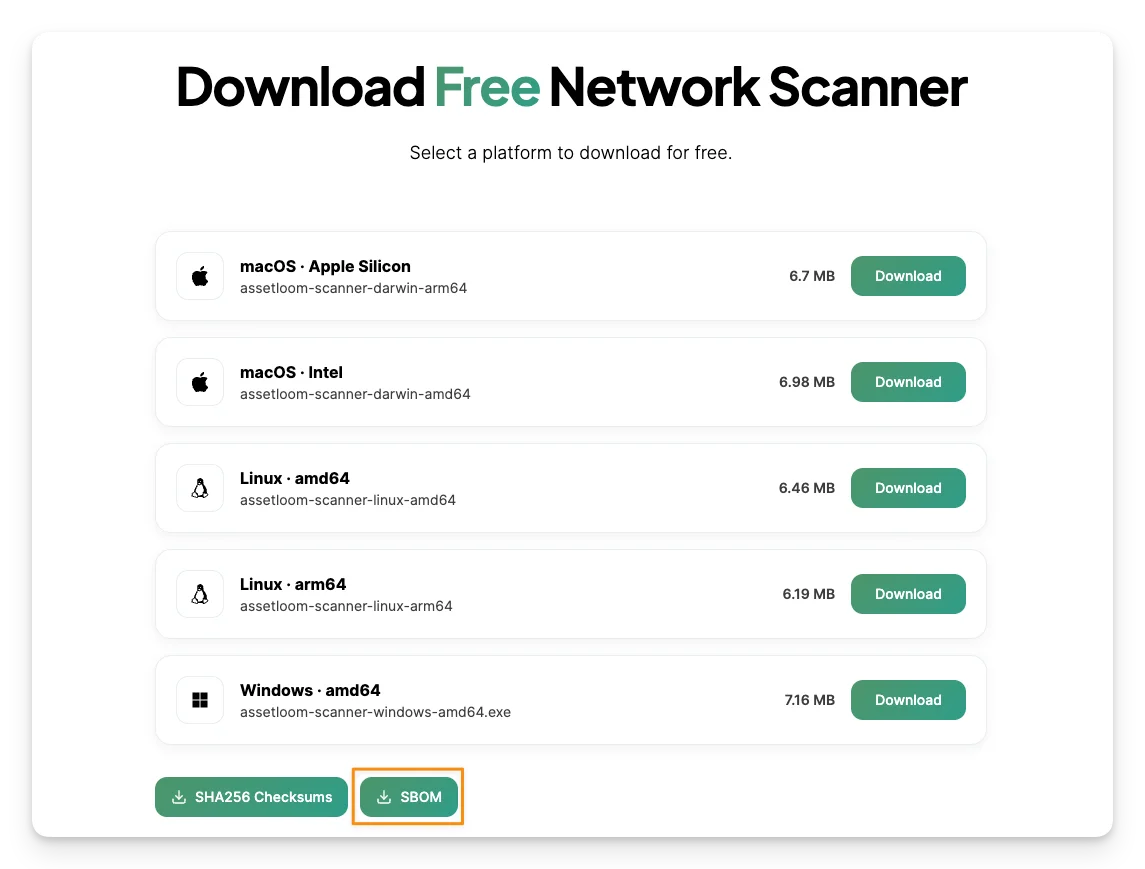
You normally do not need to modify the SBOM. You can save it with the corresponding release files so it is available when your organization requires software or compliance verification.