Language & Region
Learn how to manage language and region in your personal settings
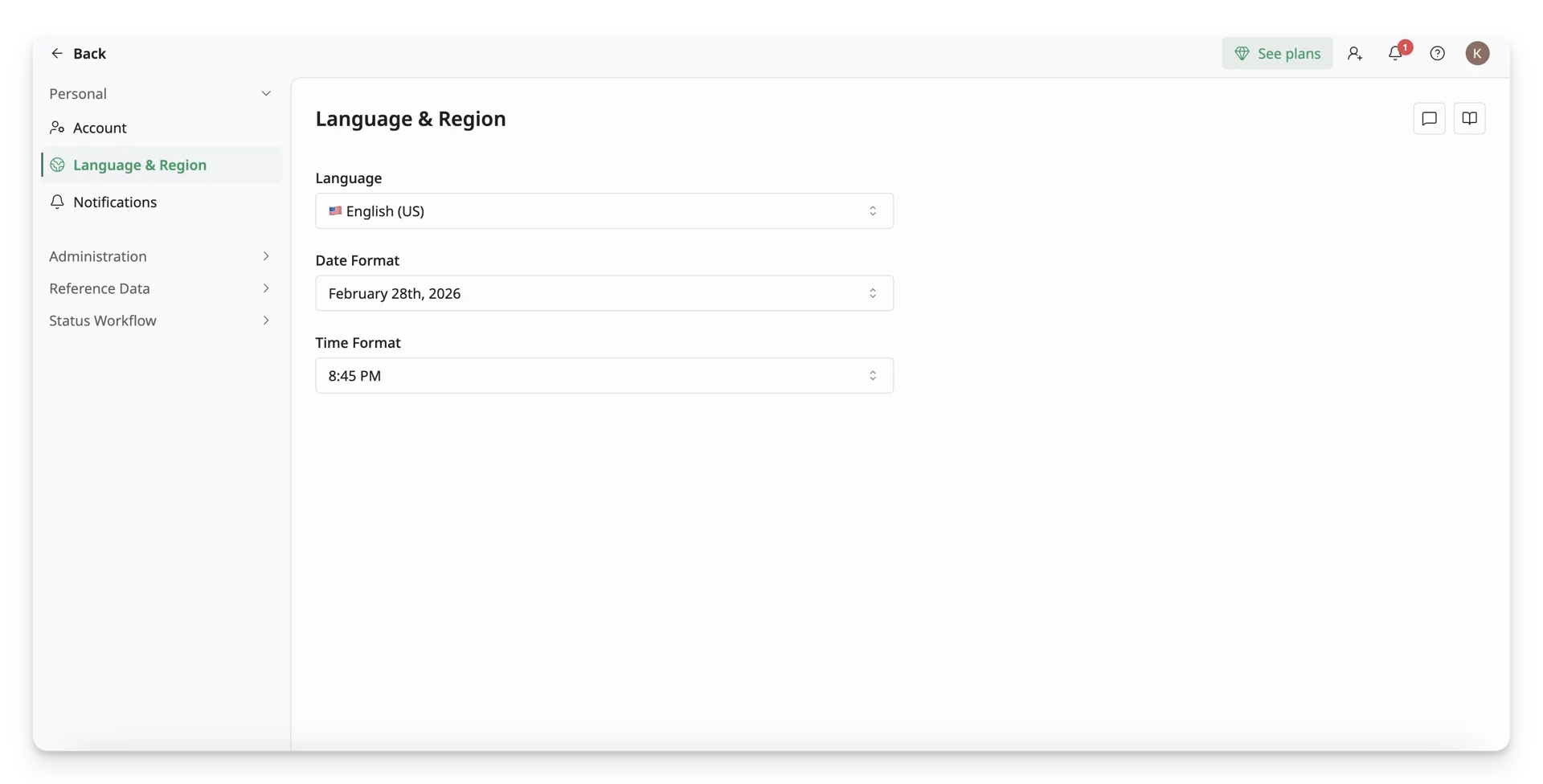
The Language & Region tab lets you choose the display language, date, and time used across your AssetLoom account.
The Language & Region tab is located under the Personal section on the Personal Settings page.
1. Access Language & Region Information
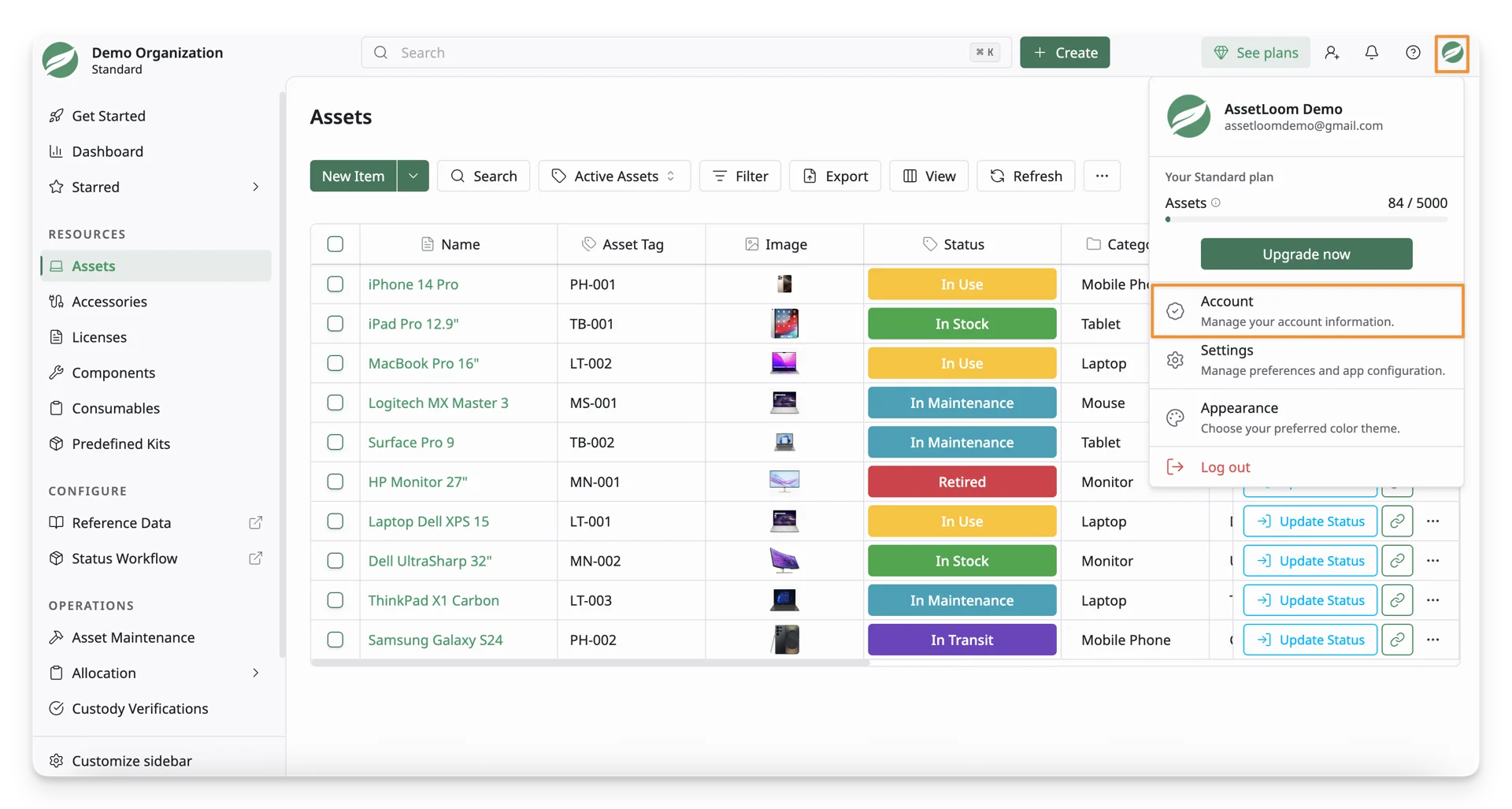
Click on your Avatar button, then select the Account option.
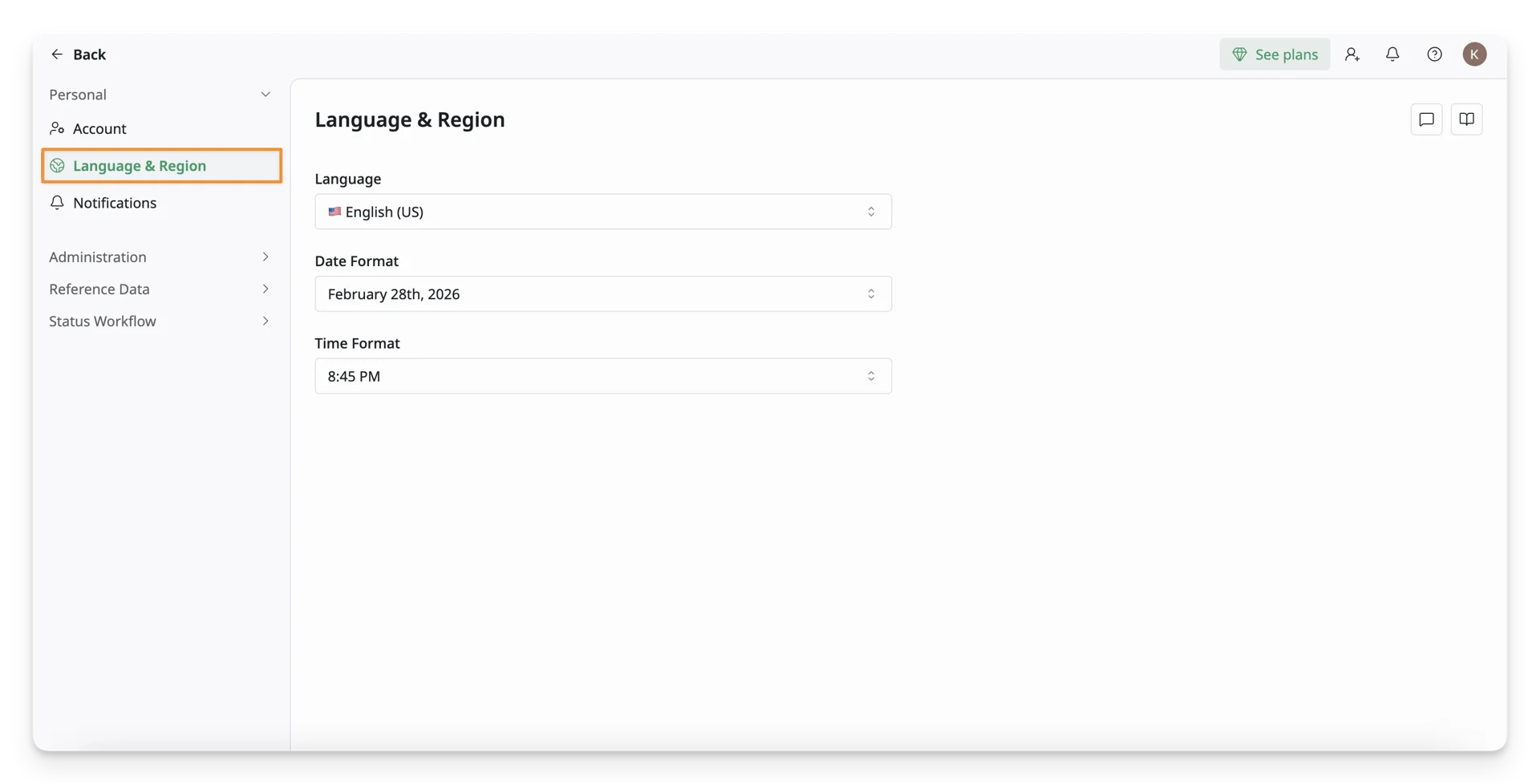
You can see the Language & Region settings under the Personal tab.
2. Actions In The Language & Region Settings
Language
You can choose the language used across your AssetLoom workspace. Updating this setting helps you view menus, labels, buttons, and system messages in your preferred language.
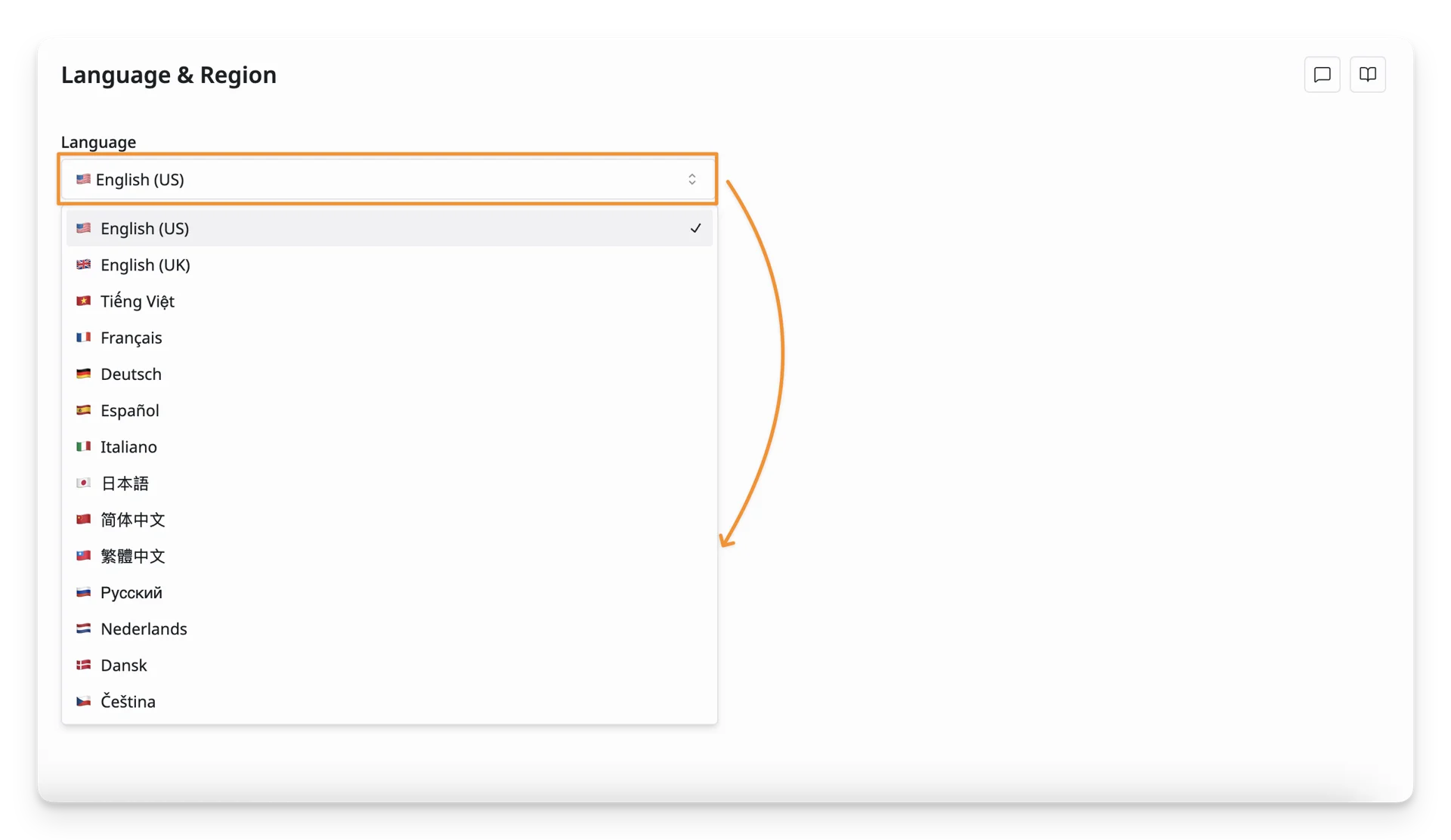
AssetLoom currently supports 12 available languages, including English, Vietnamese, French, German, Spanish, Italian, Japanese, Chinese, Russian, Dutch, Danish, and Czech.
Date Format
In the Date format section, you can choose how dates appear across AssetLoom. This helps keep purchase dates, expiration dates, checkout dates, and other records clear and easy to read.
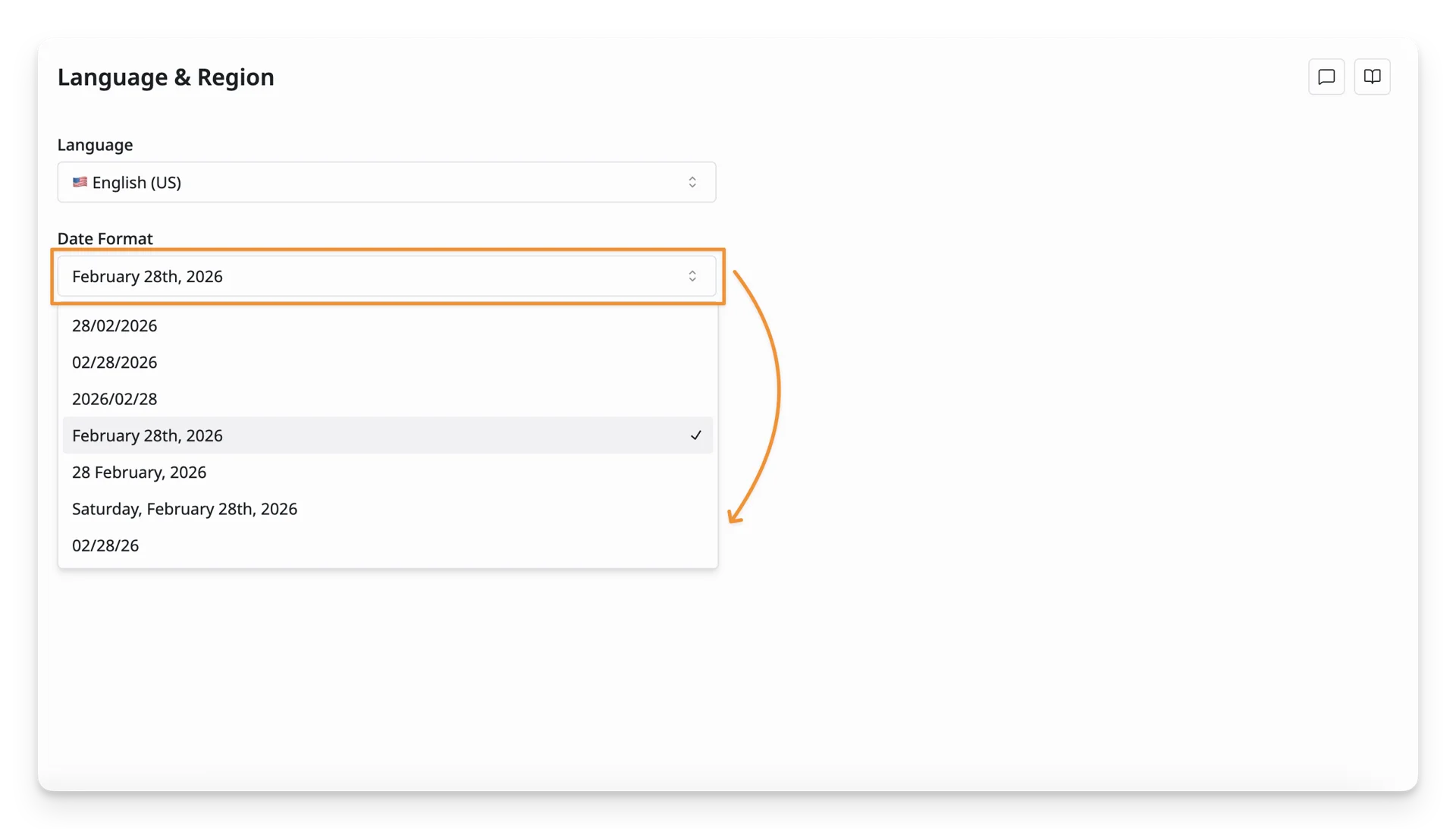
Available formats include:
- YYYY-MM-DD — 2026-02-28
- MM/DD/YYYY — 02/28/2026
- DD/MM/YYYY — 28/02/2026
- Month D(th), YYYY — February 28th, 2026
- DD-MMM-YYYY — 28-Feb-2026
- MM/DD/YY — 02/28/26
- MM/DD/YY — 02/28/26
Time Format
Under the Time format section, you can choose how time appears across AssetLoom. This helps keep check-in times, checkout times, booking times, activity logs, and other time-based records clear and consistent.
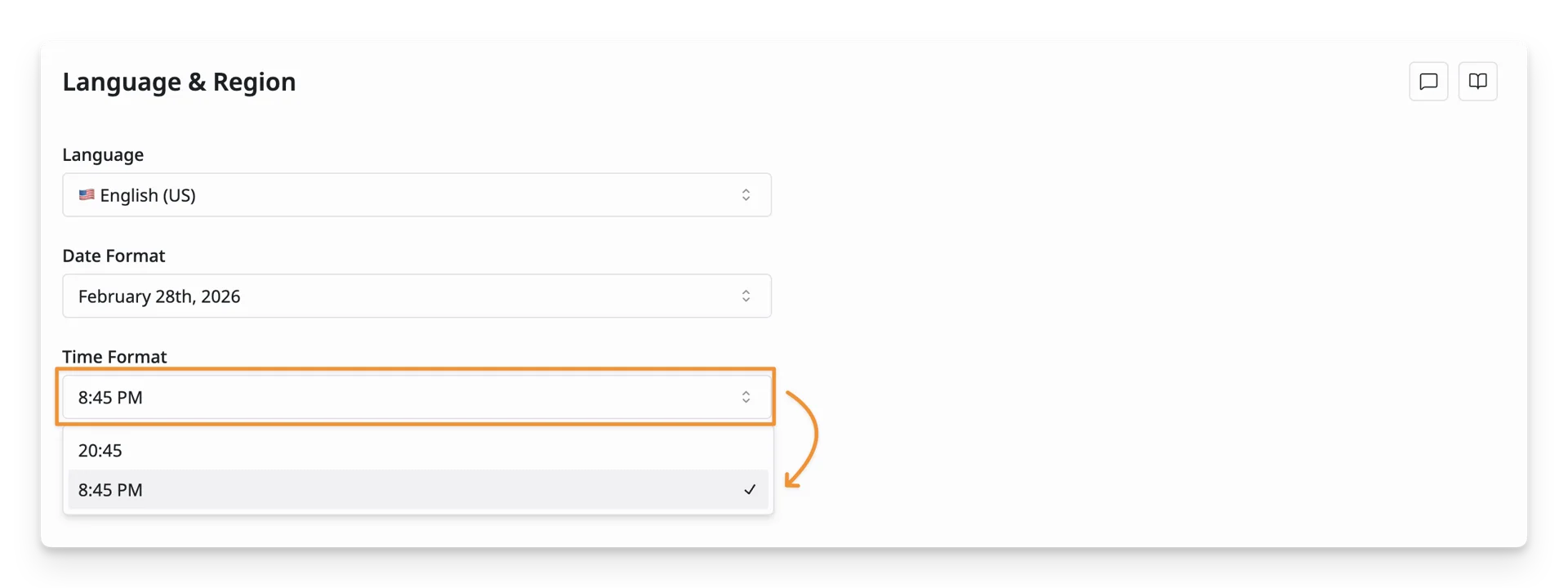
Available formats include:
- 24-hour format — 20:45
- 12-hour format — 8:45 PM
What’s Next?
- Notifications: Manage your notifications
- Theme and Appearance: Configure your in-app theme and appearance